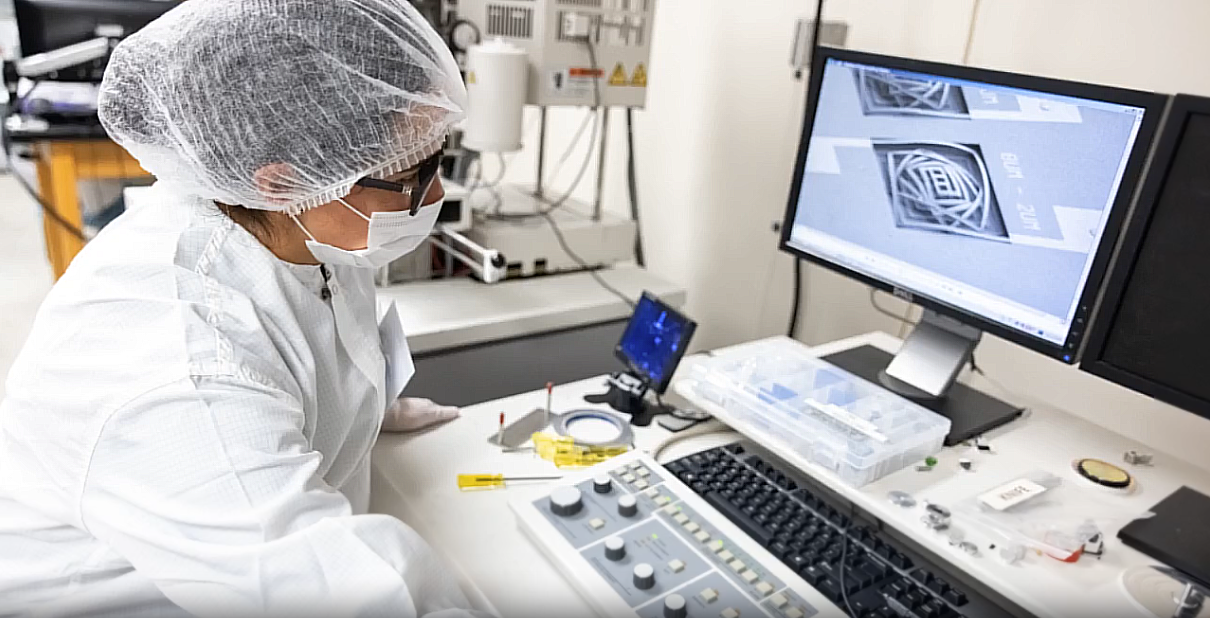
Getting Started

Internal users
- Users must be a student or post-doc working under a UCF faculty member or faculty themselves, with a UCF ID.
Pre-requisites:
- You will need to complete the following safety courses:
- EHS 201 Laboratory Safety Orientation
- EHS 202 Laboratory Safety Practical
- EHS 220 Laboratory Hazardous Waste Handling and Processing
- https://ehs.ucf.edu/training
Step 1: User Access Form
- Read the Cleanroom Handbook and pass the quiz
- Watch the gowning protocol video and refer to the slides
- Fill in the User Access Form
- Provide a description of your workplan
Step 2: Cleanroom Safety Training
- You will be contacted to schedule a cleanroom and safety walkthrough which will cover the following:
- Cleanroom entry login and gowning protocol
- Emergency exits and evacuation routes
- Location of safety showers, eyewashes, and fire extinguishers
- Location of PPE, spill kits and first aid
- Location of supplies and chemicals
- Fume hoods and chemical waste disposal
- Process bays, equipment introduction
- Once completed, you will be granted access to the cleanroom doors with your UCF badge
Step 3: Equipment Training
- All users must be trained and qualified before using a tool
- Submit a training request
- Once you have been qualified, you will be allowed to reserve/use that equipment
Step 4: Microsoft Teams
- Sign up for the relevant Teams channel to be included in the mailing list and to access the reservations calendar
Step 5: Equipment Use
- Log your cleanroom entry and tool usage each time you use any cleanroom resources
- Clean up your work area after use
External users
Please contact us if you are interested in becoming an independent user. The onboarding process is as follows:
- Facility Agreement & Insurance: Sign the facility agreement, provide a Certificate of Insurance, and submit a brief description of your project and required tools.
- UCF Sponsored Account & EHS Training: Once the agreement is executed, we will request a UCF sponsored account for the user(s). This grants access to the Environmental Health & Safety (EHS) mandatory online training modules.
- Cleanroom Handbook: Read the Cleanroom Handbook, pass the quiz, and watch the gowning protocol video.
- Safety Tour & Physical Access: Complete an in-person cleanroom safety orientation, after which physical badge access will be issued via a UCF ID card.
- Equipment Training: Complete hands-on training for each specific tool that is needed.
- Reservations Calendar: Once qualified on a tool, users will be granted access to our online reservation system to book equipment.
Note: We do not offer fee-for-service work; all users are trained and expected to operate the tools independently.